Running LibreChat on the ZimaCube 2
The first ZimaCube ran the LibreChat demo's stateful backend for three years. When the ZimaCube 2 arrived, I tested the hardware that had given the old one trouble, then rebuilt the stack as a home AI hub.

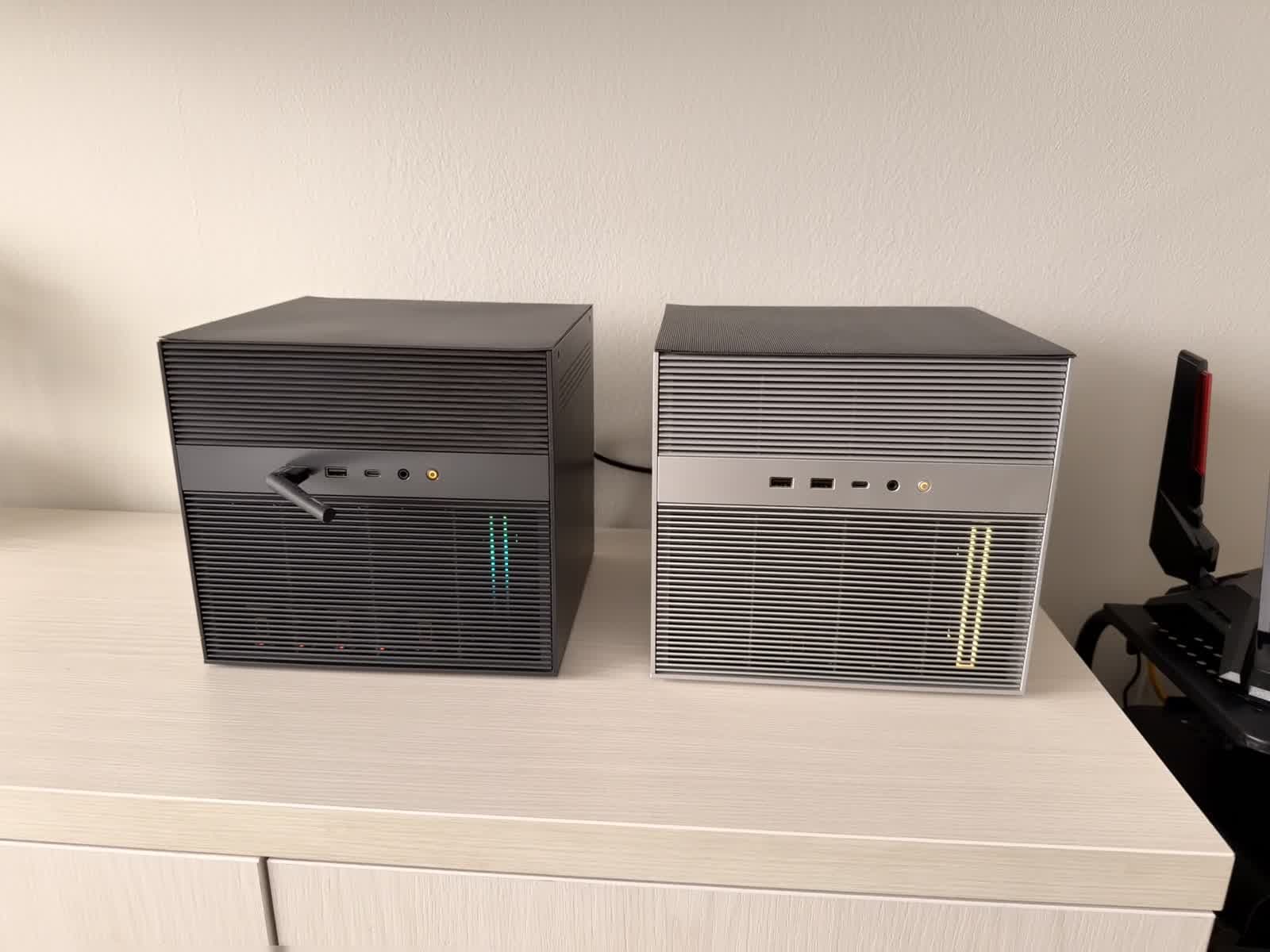
I run the infrastructure behind LibreChat's public demo at chat.librechat.ai. For roughly three years, a large part of that backend ran on a ZimaCube, the first-generation unit. When IceWhale offered to send the ZimaCube 2, I had two questions. The first was whether they had fixed the single hardware problem the original gave me. The second was whether the things I had come to rely on, the operating system in particular, were still there.
Three years on the first ZimaCube
The demo is a production deployment. It has served more than 100,000 users to date, and the original ZimaCube held its stateful tier the entire time: MongoDB, Meilisearch, the RAG API, and Redis.
Those four services make a useful stress profile, because each one loads a different subsystem. MongoDB drove the NVMe, where its working set and journal writes dominated disk I/O. Meilisearch saturated CPU cores whenever it rebuilt an index. The RAG API ran embeddings on the GPU. Redis stayed resident in RAM. Together they kept disk, CPU, GPU, and memory under more or less constant pressure.
It was never a dedicated machine, either. That first Cube was a considerably more powerful configuration than the 2, and alongside the demo backend it ran around 130 other containers for my own projects. It carried that workload for three years with one exception.
The exception was thermal. Under sustained high traffic the NVMe drives ran warm, climbing toward their throttle threshold without ever crossing it. I never fully isolated the cause. My working theory is that the seventh bay sits on PCIe lanes that were not specified for three or four NVMe drives under sustained write load, though I cannot rule out something in how I had the drives arranged.
What changed on the ZimaCube 2
Before installing anything, I moved most of those drives into the 2 and reran the write-heavy load that used to heat them.
This time they stayed well within their normal range. I cannot attribute that to a single cause from the outside, whether a board revision, a different lane allocation, or better drive placement. What is visible is physical: the 2 has additional vents along the lower side panels that the first generation did not have. More airflow across the drive bays is consistent with the temperatures I recorded.
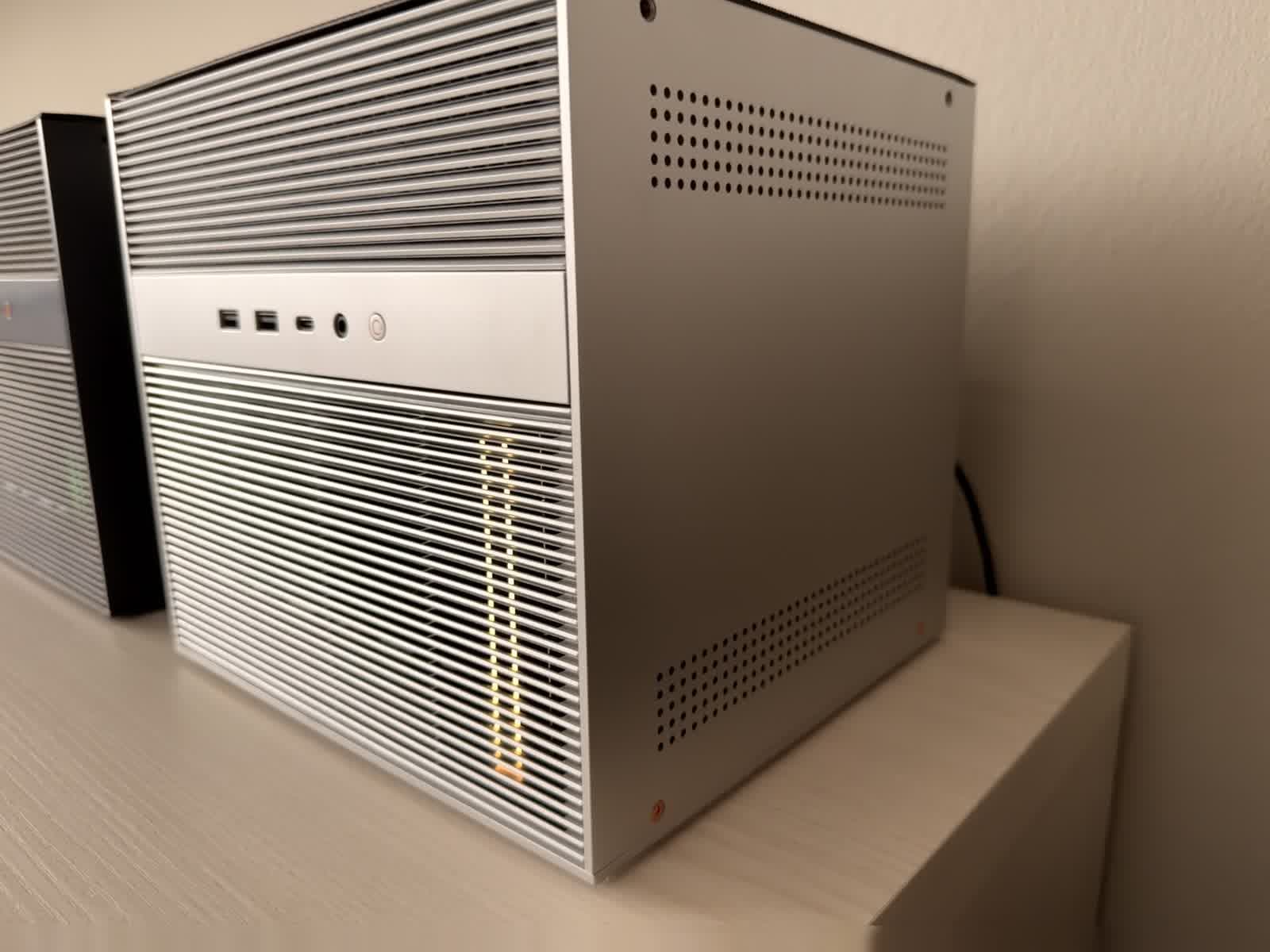
The lower side ventilation was the hardware change I could see from the outside.
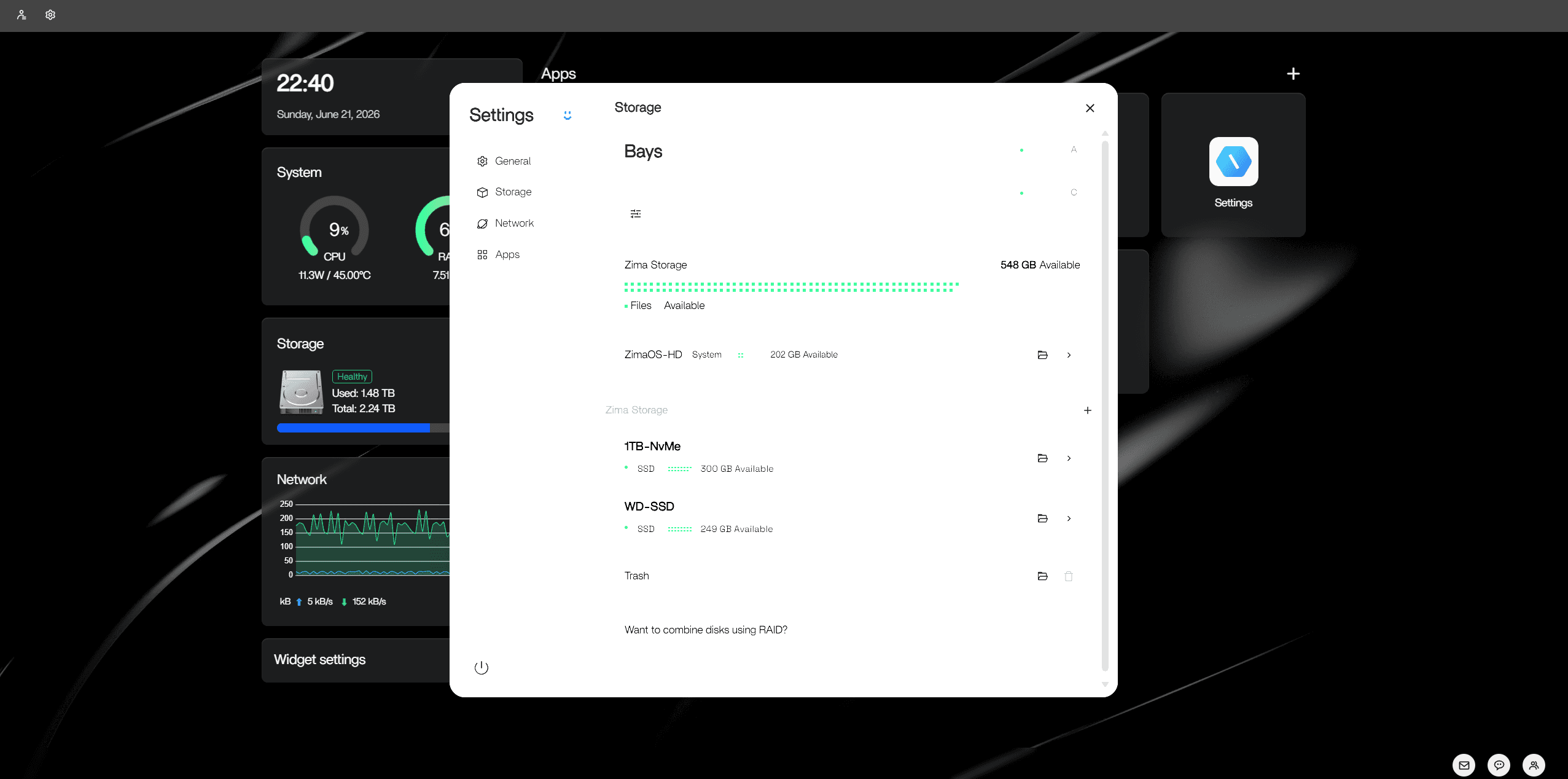
That result was enough to commit to the rest of the build.
The operating system
With the thermal question settled, ZimaOS was the part that stood out.
It is built as an appliance, and the design follows from that. The root filesystem is a read-only A/B image with atomic updates, so a failed update rolls back to the previous image rather than leaving the system half-written, and user data is never part of that image. Everything persistent lives on /DATA, on a separate volume. Administration runs through the web dashboard: installing, starting, updating, and configuring apps. On a machine the rest of the household depends on, not needing shell access for routine work is a meaningful operational property.
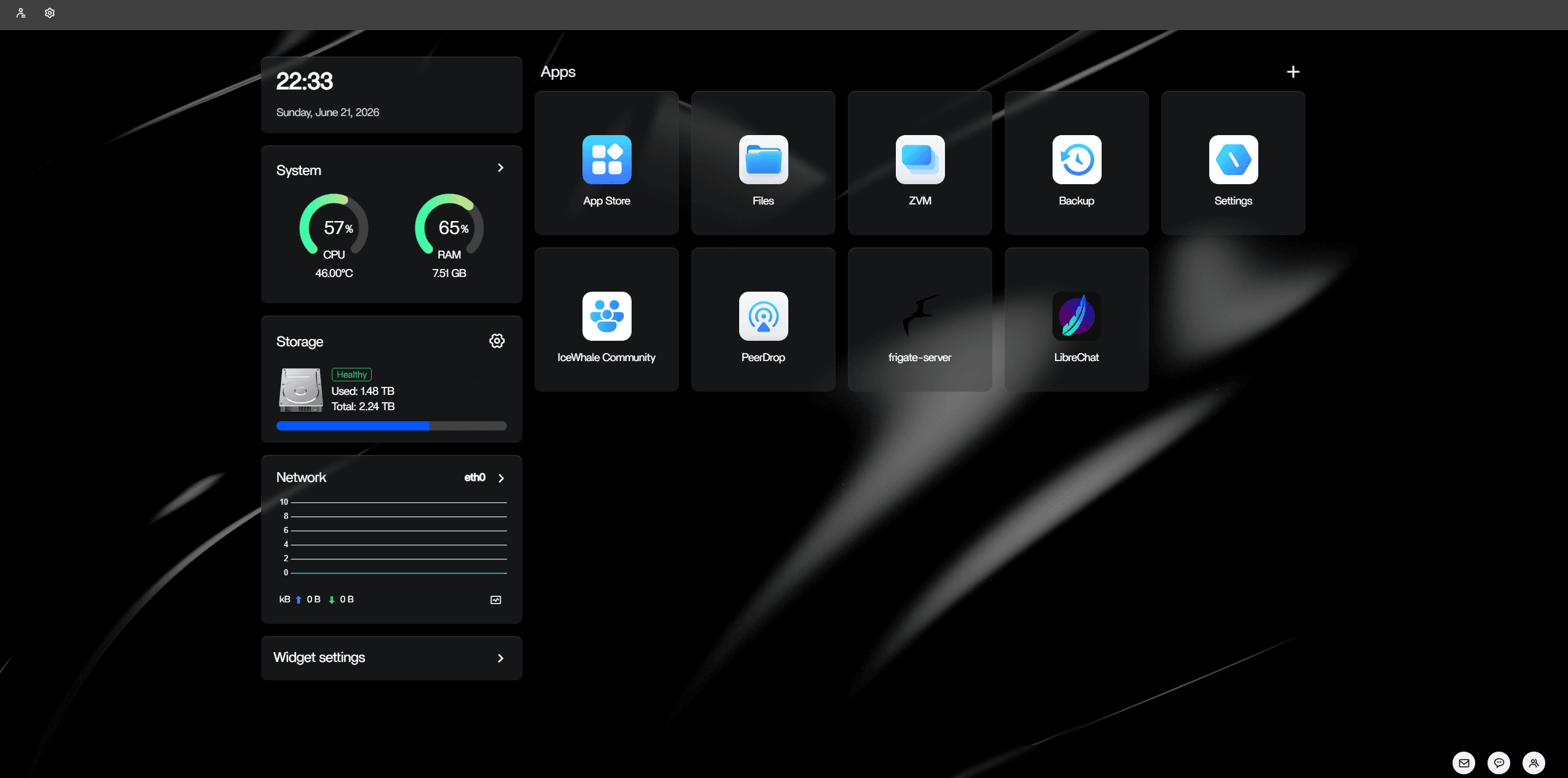
The detail that mattered most to me is how little the OS consumes on its own. Its idle footprint is small enough to be negligible against the workloads, which on an 8 GB system is the margin between running comfortably and swapping.
Deploying the stack
If you run LibreChat somewhere other than ZimaOS, only the next paragraph is platform-specific. Everything after it applies to any deployment, whether a VPS, a NUC, or a spare machine.
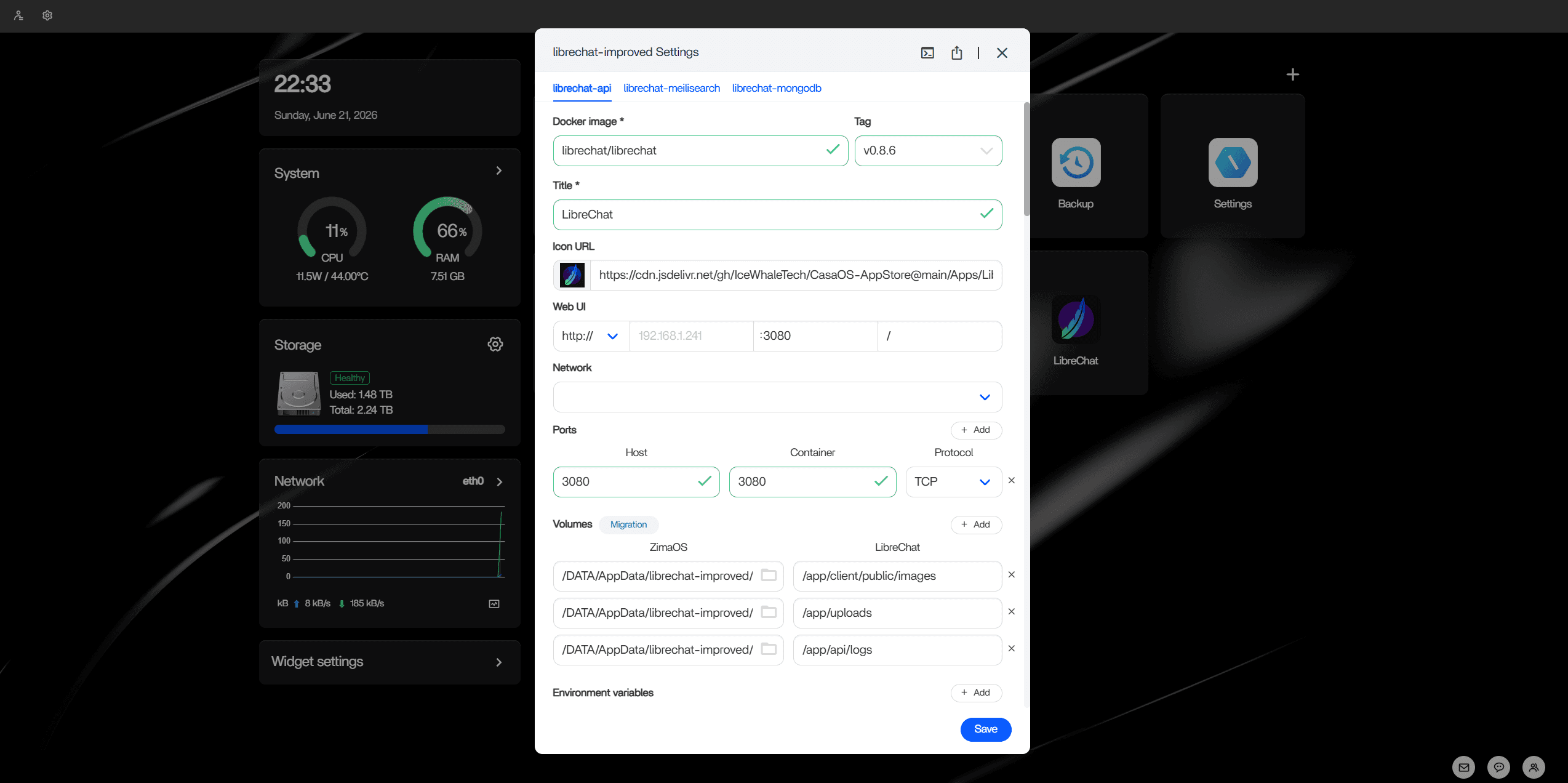
On ZimaOS, I imported a pinned Compose file through the dashboard: LibreChat v0.8.6, MongoDB 8.0, and Meilisearch 1.35. The install runs asynchronously, and the dashboard pulls and verifies each image before the app transitions to running. That took about four minutes here with no visible progress in between, which is expected rather than a hang.
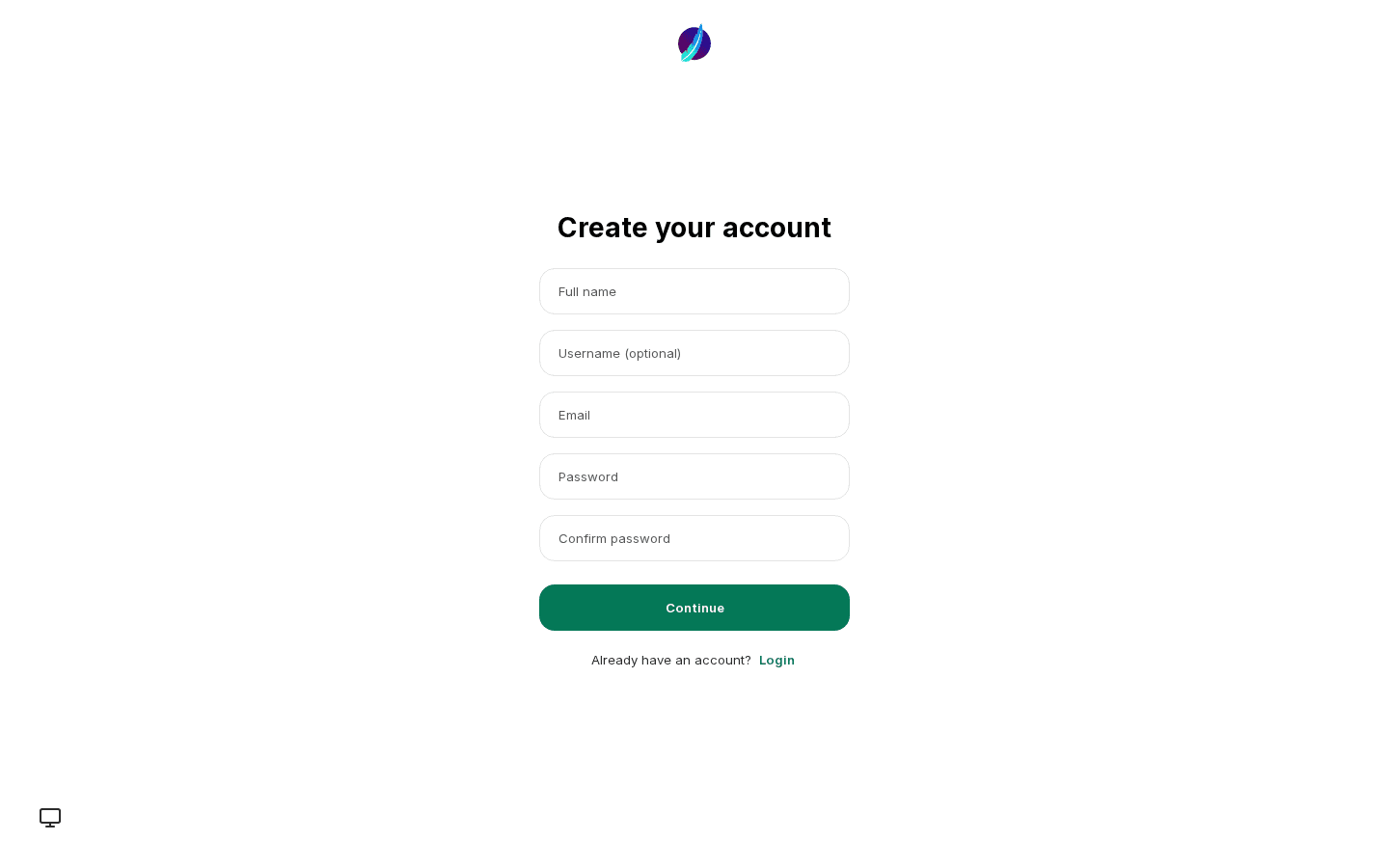
From there it is standard LibreChat. The first launch presents a registration page, and each member of the household creates an account with separate history, presets, and model selection.
Provider keys go either into the stack's environment or per user under Settings. The model picker then exposes whatever those keys grant access to: OpenAI, Anthropic, Google, and the rest.
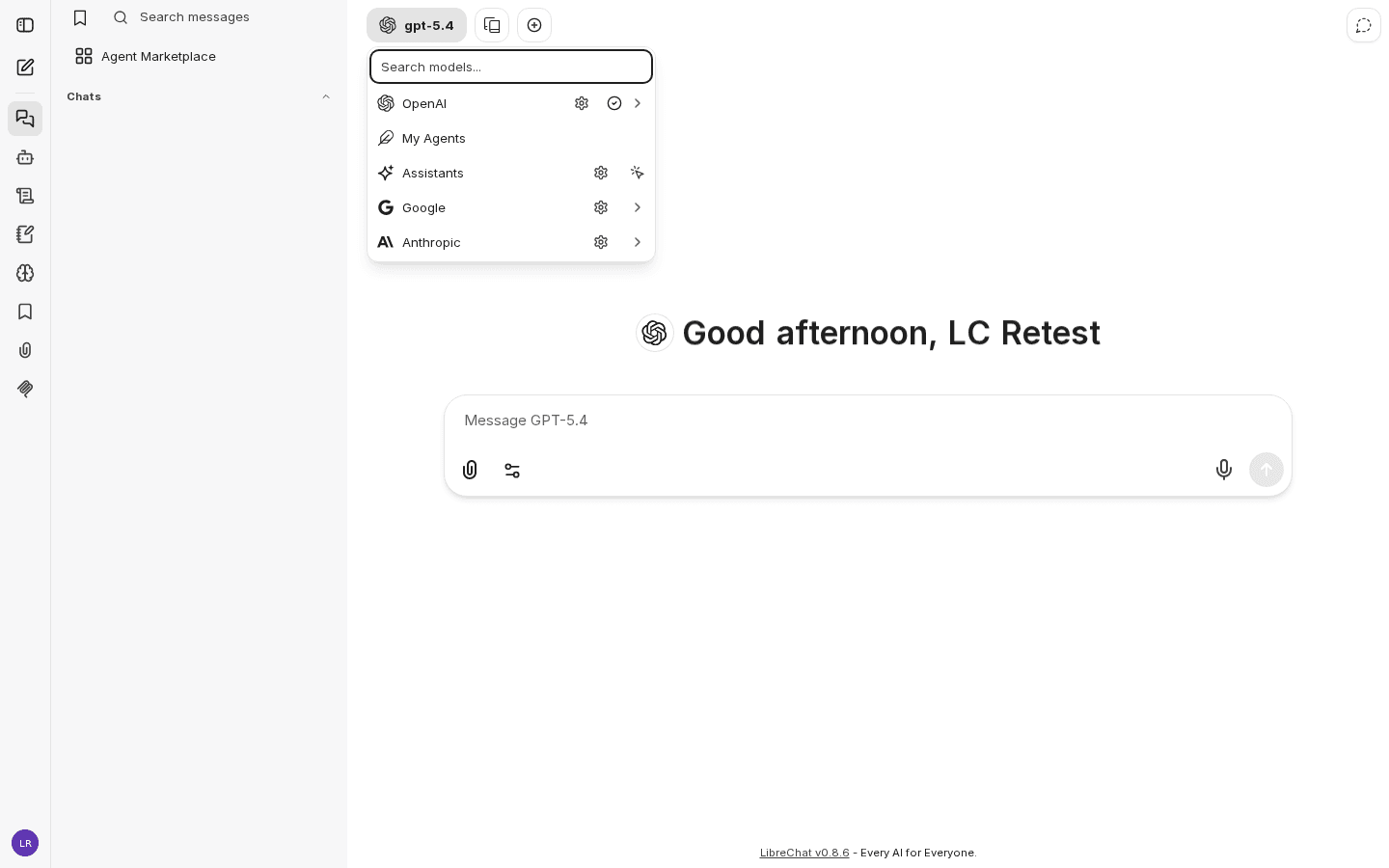
That registration-to-picker sequence is the same regardless of where the stack runs. The Compose import is the only ZimaOS-specific step.
I left the RAG stack out of this build, meaning the vector database and retrieval API that drove the GPU on the old unit. On an 8 GB box already running an NVR, that is a deliberate trade-off. On a 16 GB system I would include it.
Memory footprint
Idle resident memory per container, read from each container's cgroup memory accounting rather than from docker stats:
| Container | Idle RSS |
|---|---|
| LibreChat API (Node) | ~364 MB |
| MongoDB | ~295 MB |
| Meilisearch | ~97 MB |
| Stack total | ~756 MB |
That is under a gigabyte for the chat UI, the database, and full-text search across the entire conversation history. The same unit also runs Frigate as an NVR, which holds 3 to 4 GB for real-time object detection across two Coral TPUs, so the two workloads share the machine directly. I set per-service memory limits in Compose so that neither can starve the other. Cold start from stopped to healthy is roughly four seconds with images cached.
Set your own secrets
LibreChat encrypts stored user credentials with keys taken from its environment, and those keys have to be your own, not the template defaults.
Before first login
Set your own JWT_SECRET, JWT_REFRESH_SECRET, CREDS_KEY, and CREDS_IV before any real
account is created. The credentials generator produces all
four at the correct lengths. The template values exist only to get a first boot running.
If you later expose the instance outside your network, put it behind a reverse proxy or a tunnel. With the secrets already replaced, that is purely a networking change.
Verdict
A home AI hub puts limited demands on the hardware and the OS underneath it. The box needs to run reliably under continuous load and recover from a bad update without losing data, and it needs to leave the services enough memory to work in. The ZimaCube 2 did that. On the one issue I had with the first unit, the drive temperatures under sustained load, it measured better.
IceWhale provided the unit. The measurements in this post are my own, taken on the device.
ZimaCube 2 · ZimaOS v1.6.1 · i3-1215U (6 cores, 8 threads) · 8 GB RAM · LibreChat v0.8.6. Screenshots are from a throwaway account.