 LibreChat
Password Reset
Let users reset a forgotten password through an emailed link.
Password reset lets a user pick a new password without asking an admin. It is off by default, and it only makes sense once the server can send email.
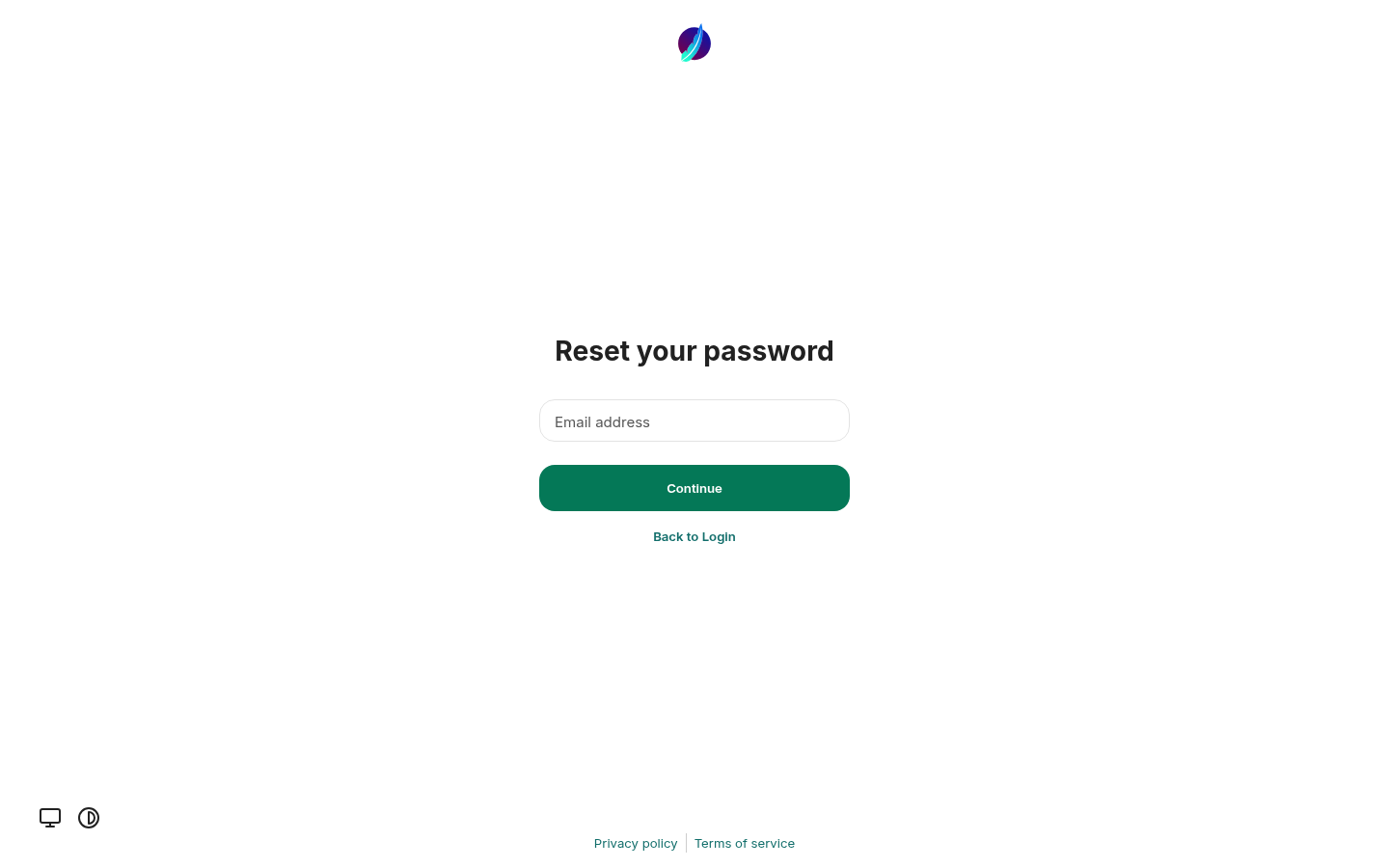
Resetting a password
A successful reset signs the account out of every other session and revokes its tokens. If email is configured, the user also gets a confirmation email.
Limits
- Requests are rate limited per IP (2 every 2 minutes by default), and the link submissions are limited separately.
- If the admin restricted registration to certain email domains, addresses outside those domains cannot request a reset.
Do not enable it without email
Password reset requires configured email delivery. The page never displays reset credentials. Unknown accounts, missing email configuration, and delivery failures receive the same generic acknowledgment, so the acknowledgment does not confirm that a reset email was sent.
Setup
An admin enables it with ALLOW_PASSWORD_RESET and configures Mailgun or an SMTP server. See Email setup; the rate limits are on the Automated Moderation configuration page.
How is this guide?